Answer in brief
A useful cost record shows where the money goes, which purchases repeat, and whether a maintenance change actually saves anything.
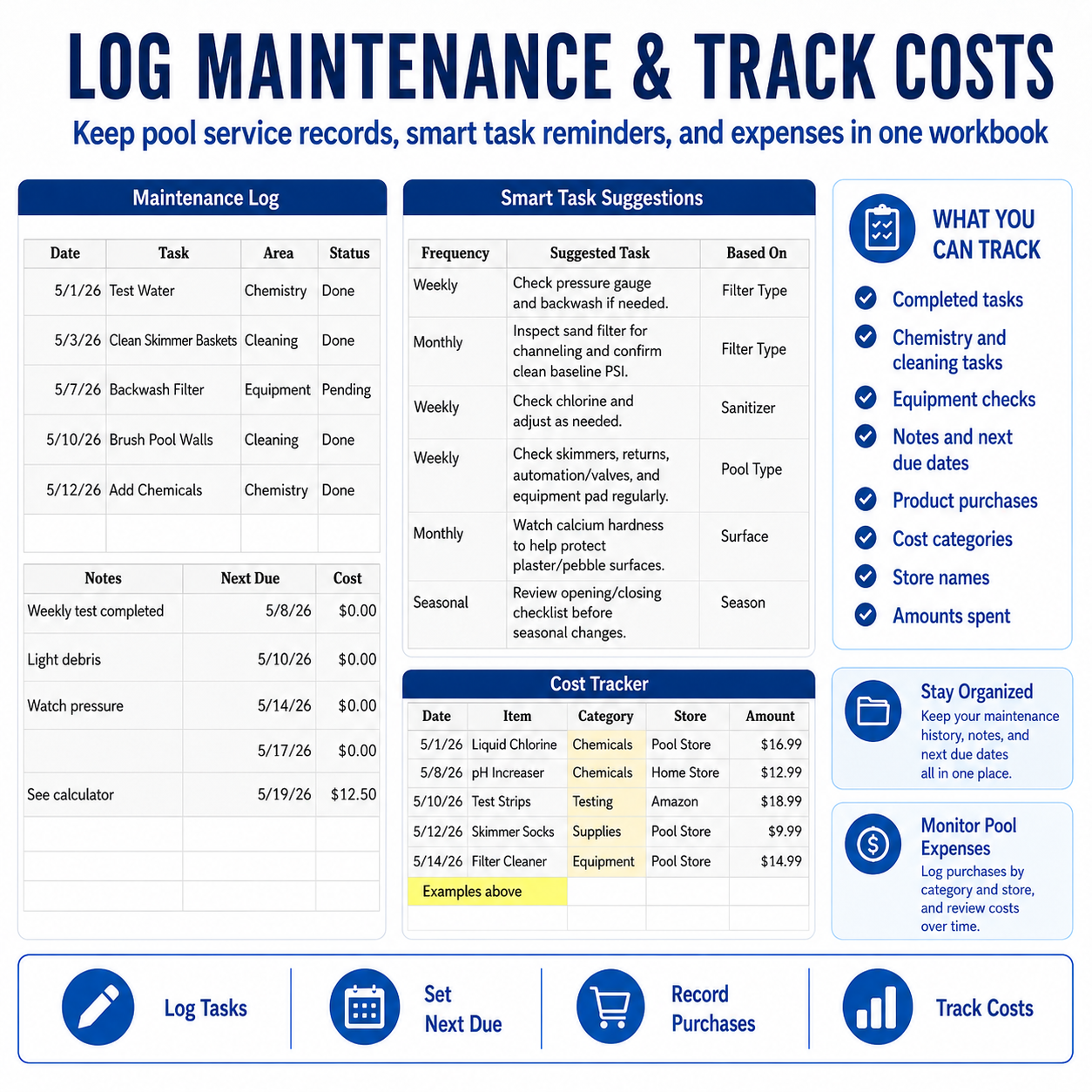
Start with categories you can use consistently
A complicated budget is easy to abandon. Use a short list that matches how you actually shop: chemicals, testing, cleaning supplies, equipment, replacement parts, professional service, utilities, and seasonal supplies. The goal is not perfect accounting. The goal is a record you can maintain.
Record five details for every purchase
- Date: when the purchase was made.
- Item: the product or service in plain language.
- Category: one consistent spending group.
- Store or provider: where the money went.
- Amount: the total paid, including any service fee or tax you want to track.
Connect the expense to the maintenance history
A cost total is more useful when you can see why the purchase happened. Note whether a chemical followed a water-test result, a replacement part followed a pressure or flow problem, or a service visit followed recurring water trouble. That context helps separate routine spending from avoidable corrections.
Review monthly and seasonally
At the end of each month, total each category and look for changes. At the end of the season, compare chemical spending, testing supplies, equipment work, and service calls. One unusual purchase does not prove a trend, but a consistent record can reveal recurring problems and make next season easier to budget.
What the numbers cannot tell you
Cost tracking does not replace water testing, equipment instructions, or professional diagnosis. The cheapest correction is not always the safest one. Use the financial record to support better decisions—not to delay maintenance that protects the pool or equipment.